How it works
Collect, ask, and let it read alongside you
No setup and nothing to install. It works in your browser and on your phone.
One
A notebook for each thing you are looking into
A notebook holds everything on one topic: a course, a trip, a health question, a hobby, a decision you are weighing up. Keep as many as you like, and each stays separate, so answers about one never wander into another.

Two
Add sources, and it reads them for you
Paste a link to a web page or a YouTube video, drop in a PDF, import a Google Doc, or write a note. Each one is read when it arrives: you get a short summary and an outline, and it is linked to the sources in the notebook that cover the same ground.

Three
Ask, and it answers from what you saved
Ask a question in the notebook’s chat and it looks through your sources first, quoting and pointing back to the ones it used. When your sources do not cover something, it can look on the web as well.

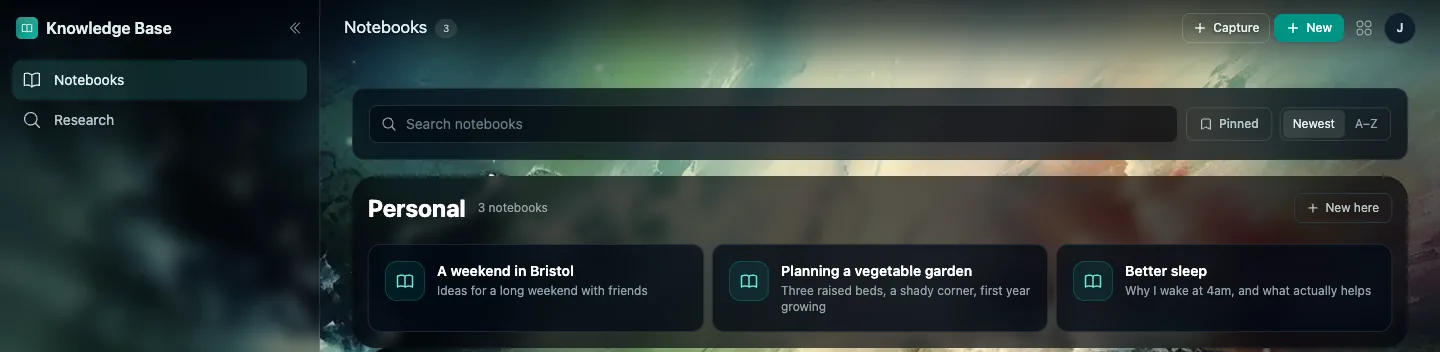
Your notebooks
Everything you are looking into, side by side
Four
When you need more, it goes and looks
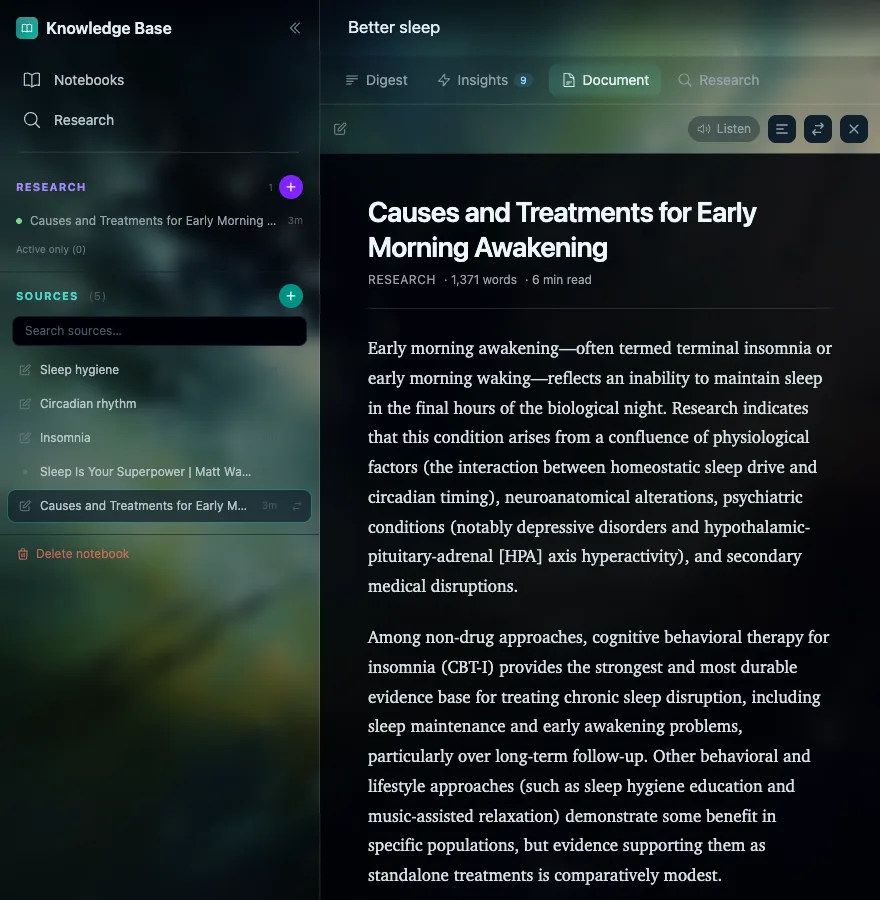
Ask for research and it works in the background: either searching the web, or searching published research papers when the question is a scientific one. Research from papers only cites papers it actually found, so every reference is real. The report it writes lands in your notebook as a new source, ready to ask about.
The loop
Every question makes the notebook better
Five
It notices what you might miss
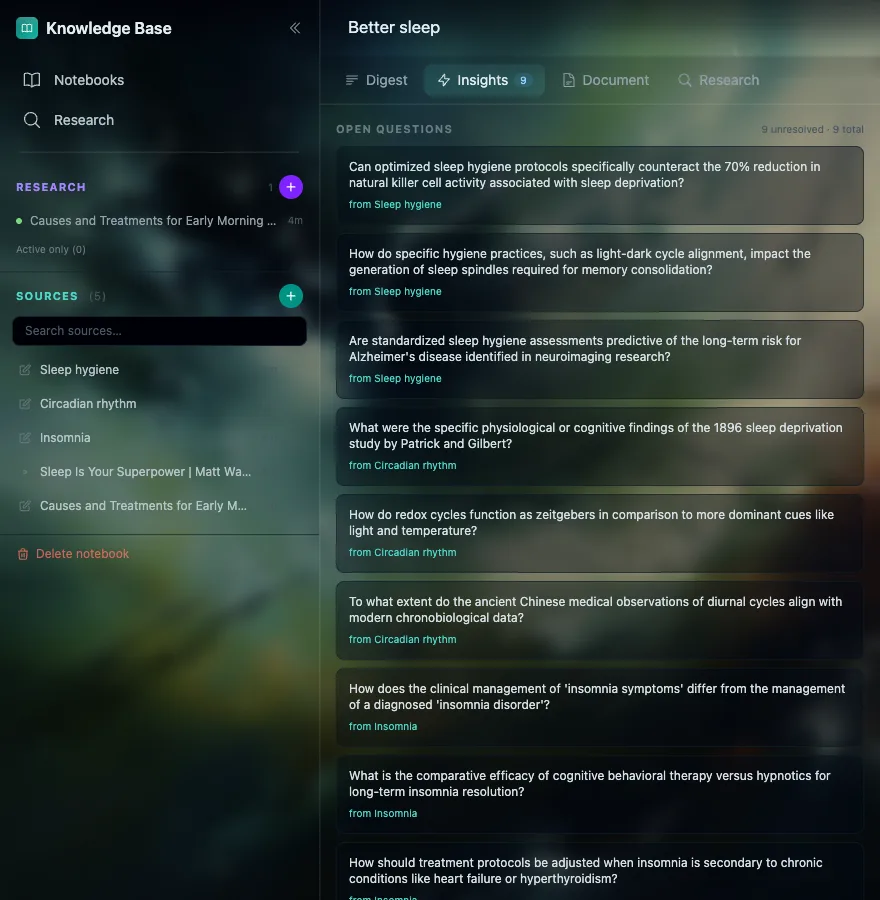
Each new source is read against the rest of the notebook. Knowledge Base shows which sources build on each other, flags where two of them disagree, and keeps a list of the questions your notebook has not answered yet: a good place to look next.
Your notebooks are yours
Only you can see what you save. Google’s Gemini does the reading, and your material is never used to train AI models. You can delete everything at any time from Settings. The detail is in the privacy policy.
Ready?
Start your first notebook
Sign in, name a notebook, and add the first thing you want it to read.
See how to start